Documentation
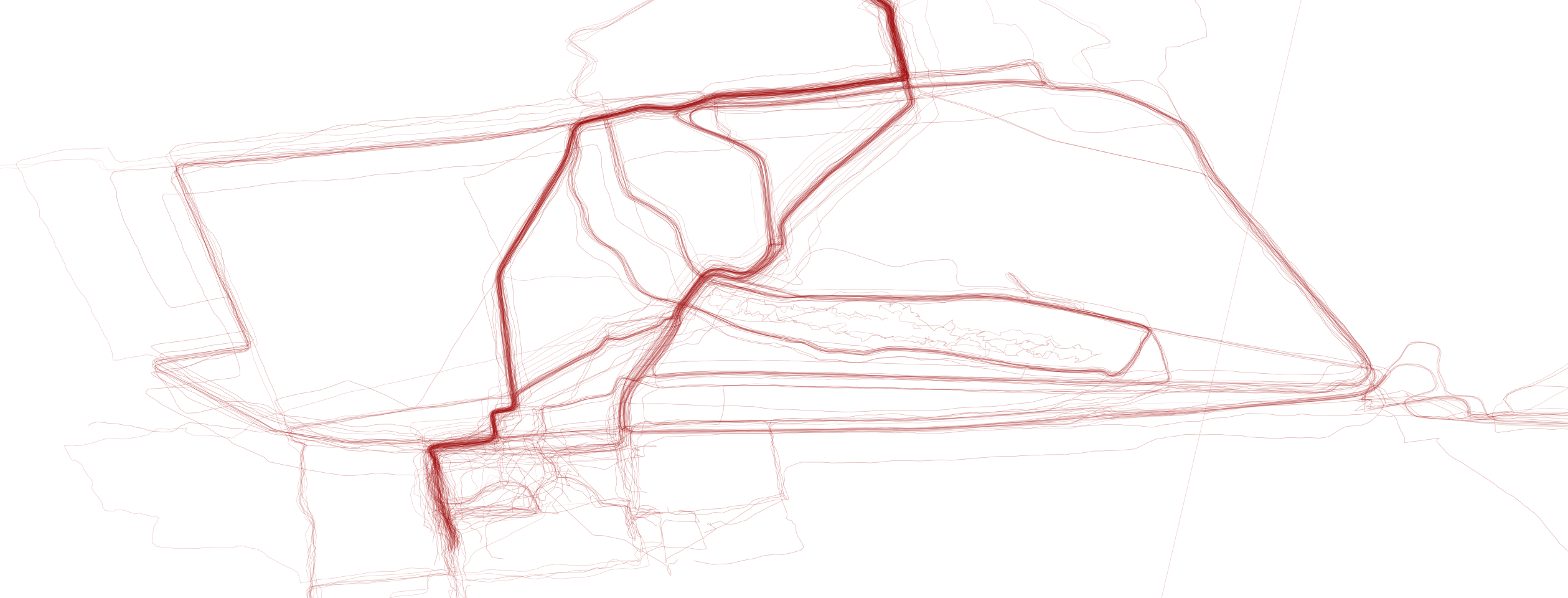
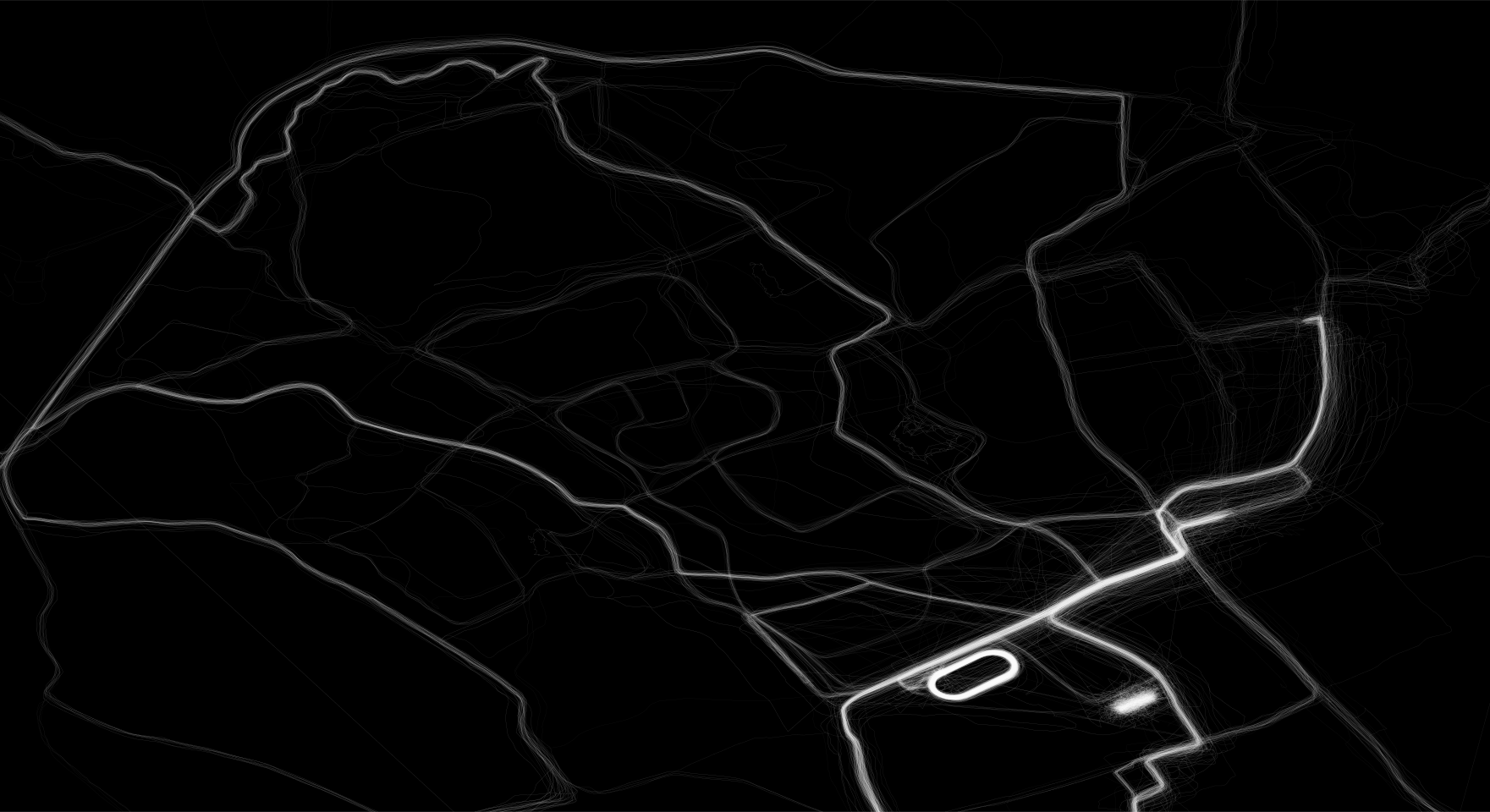
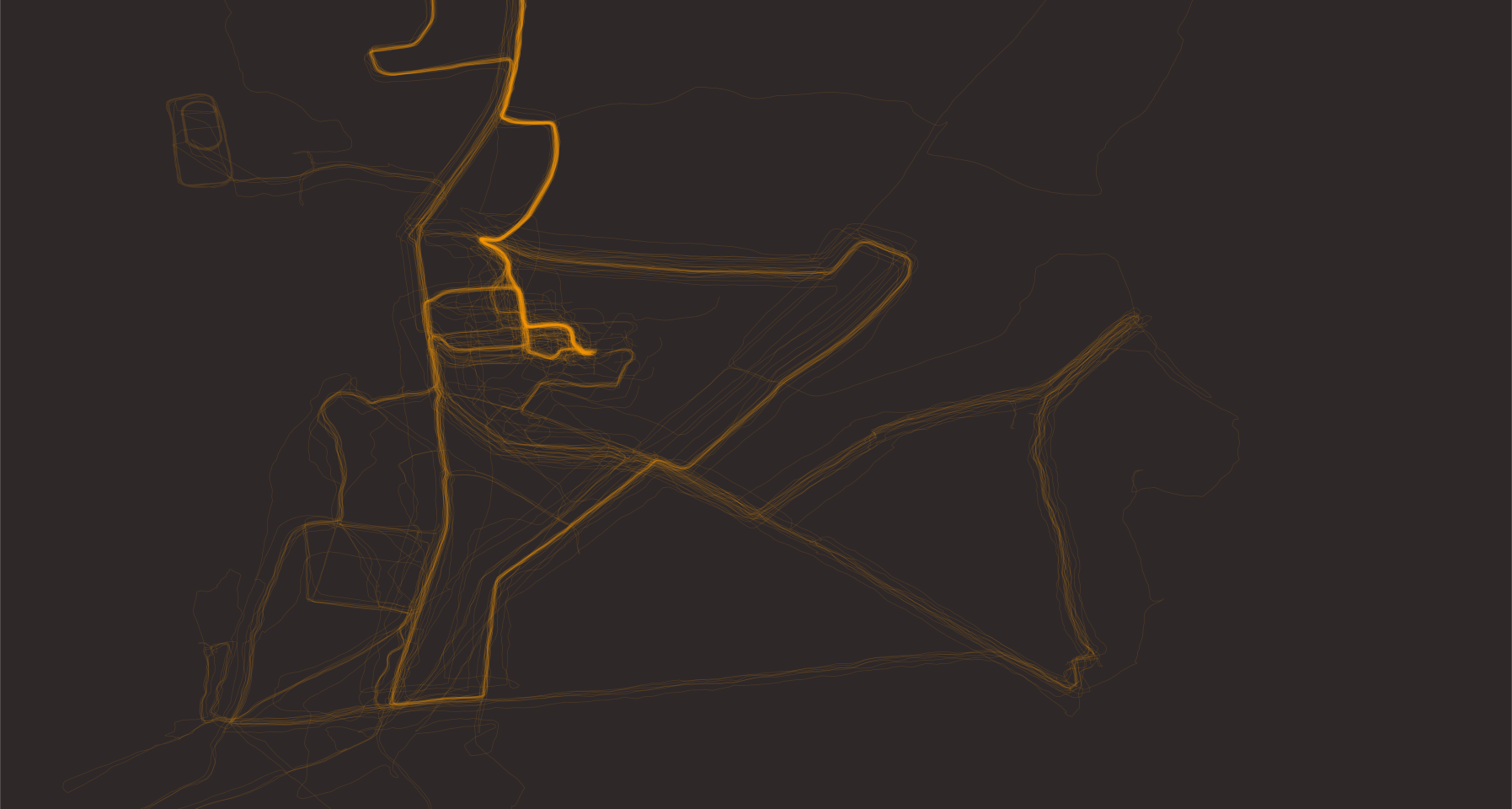
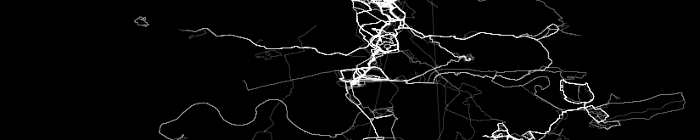
This small web application allows you to select one or several GPS tracked activity files (standard GPX file format) and display all paths on one single graph. The lines are plotted in transparent colours, so you should see paths you take often standing out more vividly.
The background image of the banner above is one example of such a plot, summarising about 4 years worth of runs in London. You can clearly see the Thames path, Hyde Park, Regent's Park and the Isle of Dogs for instance.
Simply select the GPX files from your computer, set the colours and other plotting parameters using the colour pickers and sliders, then click on the `Plot' button. The plot is drawn directly in your browser – your files are not uploaded anywhere – and you can download it as a PNG image or as an SVG vector graphic. To try different settings, change them and click `Plot' again.
By default (each min/max pair set to the same value) the plot is fitted to the area covered by your files. To zoom in on part of it, set the latitude and longitude limits with the sliders.
routeHeat can also produce animated versions of your runs (either as GIFs or animated SVGs), but only if you use the source code to run it locally on your machine. link to the source code on GitHub can be found below.
Notes
- you can download the source code (a shell and an R script) from my GitHub page: github.com/gitMarcH/routeHeat
- I have just now come across two very similar projects (could have saved myself some sweat and time...), so please check out their posts as well: Data Sparkle blog and flowingdata blog; in particular the Data Sparkle blog also tells you how to get a map plotted in R underneath your run data; that's pretty cool, so much so that I might add that to routeHeat in the near future, if I get the time to do it
- the colour pickers and the sliders work in all current browsers; a few older browsers may show text boxes instead
- the web app runs entirely in your browser (html, css and javascript), which is why it is fast and why your files never leave your computer; the original bash and R scripts behind it, which also produce animations, are on GitHub
- where your FIT or GPX files are saved depends on your GPS watch, your operating system and your installation. For example on Macs, Garmin watches save FIT files in the local Library folder, typically ~/Library/Application Support/Garmin/Devices/XXX/Activities/, were '~' is your home directory and XXX is the device number associated with your wach. FIT files are a proprietary format of Garmin, so if you have another make, then you will need to use GPX files. gpsbabel is a handy conversion tool for a wide variety of GPS activity files.
- please email me any problems/errors/bugs you discover!
Examples